 Supra 3D Capture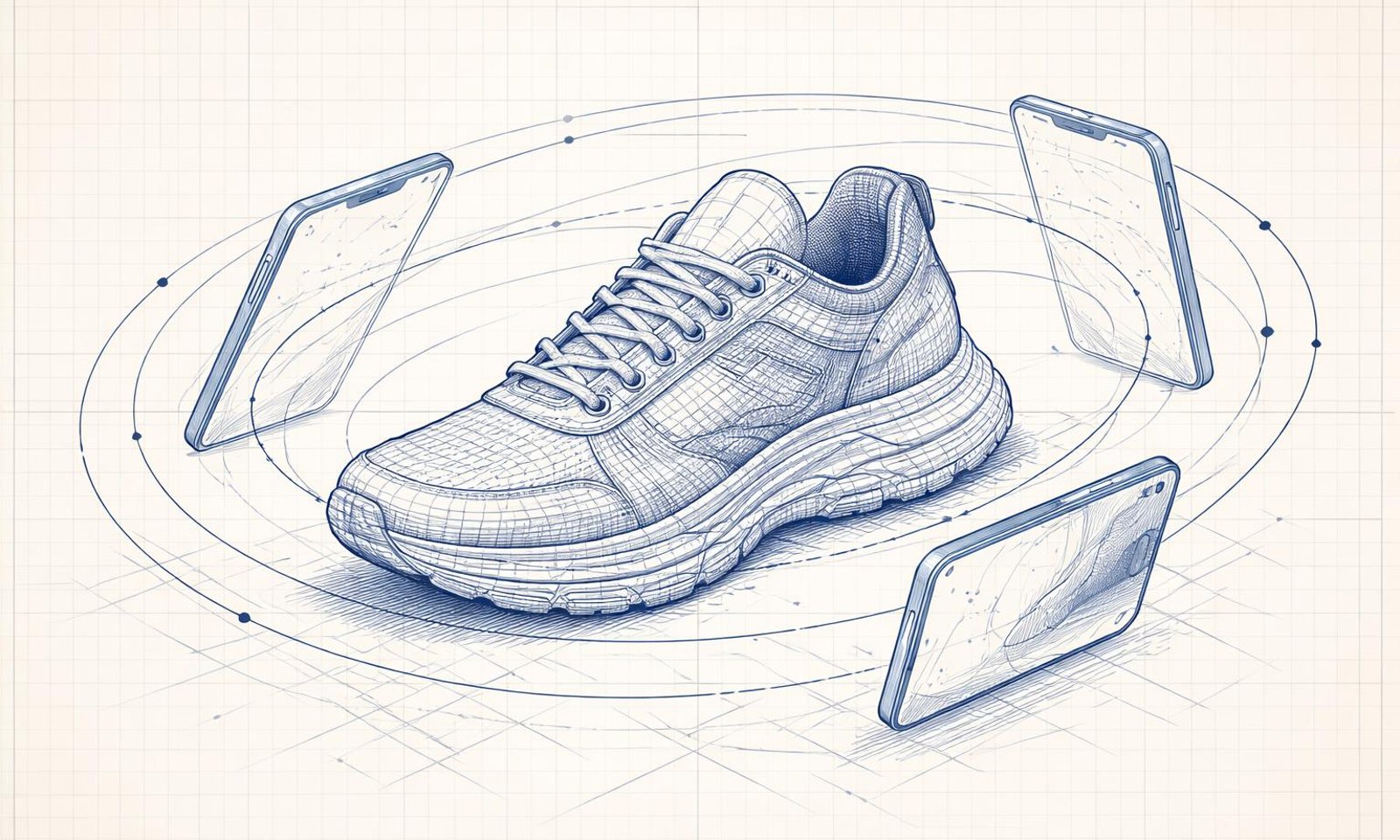
The 10-Photo Orbit: A Merchant's Guide to Perfect 3D Captures
Ever wondered how top-tier Shopify brands get those crisp, interactive 3D models on their product pages without hiring a professional studio? The secret isn't a $10,000 rig—it's a simple, disciplined movement called the "10-photo orbit."
In the world of e-commerce, static images are becoming the bare minimum. To truly stand out, merchants are turning to 3D capture guides and photogrammetry to bridge the gap between a screen and a physical product. This guide will show you how to master the orbit and turn your smartphone into a high-end 3D scanner.
Why 3D Representation Matters for Shopify Growth
When a customer can't touch your product, they need the next best thing: total visual certainty. High-quality shopify 3d models reduce the "imagination gap," leading to fewer returns and higher conversion rates. By providing a 360-degree view, you're giving the shopper the confidence that the item they see is exactly what will arrive at their door. Using phone 3d scanning technology like Supra 3D Capture makes this transition from 2D to 3D seamless and affordable.
Tip 1: Mastering the 10-Photo Orbit
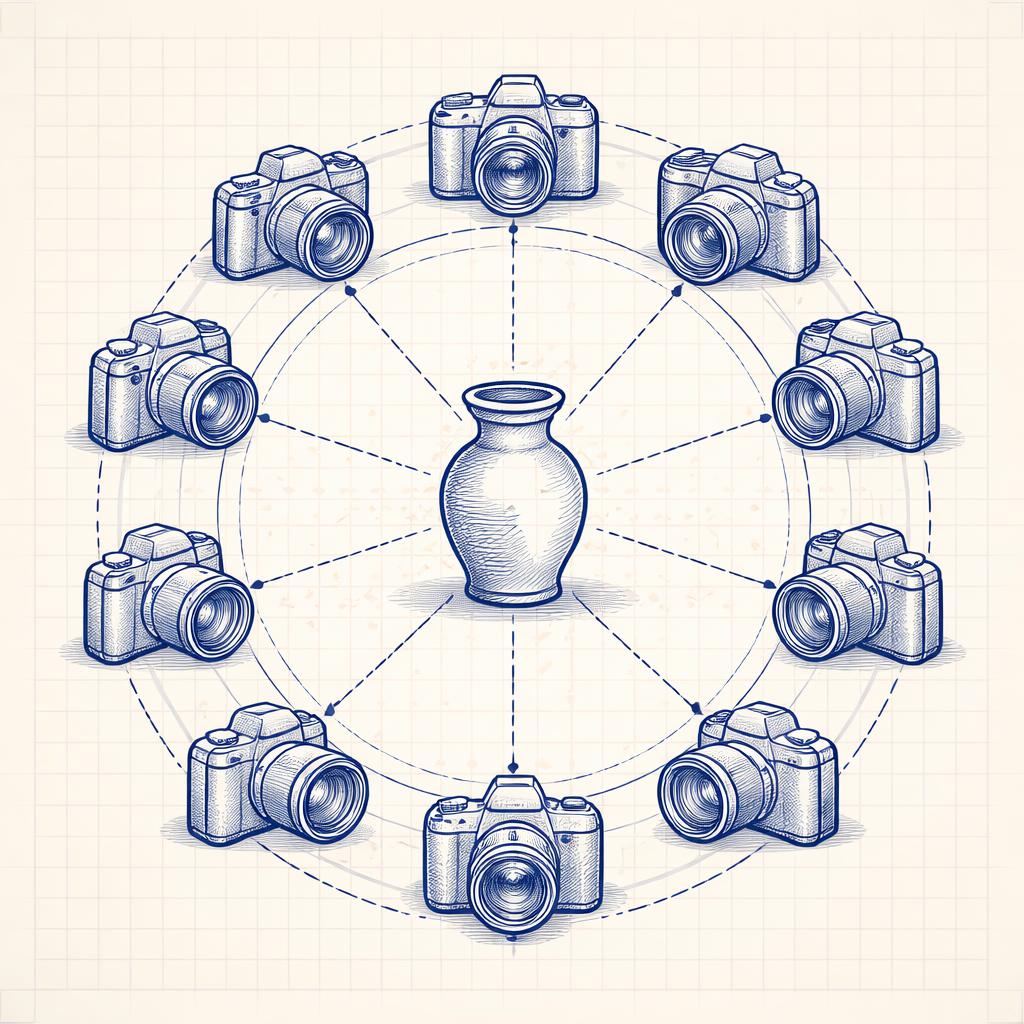
The "10-Photo Orbit" is a specific product photogrammetry technique designed to maximize coverage while minimizing processing time. Instead of taking random shots, follow this precise pattern:
- The Eye-Level Ring: Start by positioning your phone at the vertical midpoint of your product. Take 5 photos at equal intervals (roughly every 72 degrees) as you walk around the object.
- The High-Angle Ring: Tilt your phone down at a 45-degree angle. Take another 5 photos at the same intervals, ensuring you capture the top surfaces and details.
This 10-shot baseline creates a "skeleton" of the object that cloud photogrammetry engines can easily align. For complex items, you can add a third "low-angle" ring, but for most sneakers, accessories, and home goods, the 10-photo orbit is the sweet spot for efficiency.
Tip 2: The "Silhouette Test" for Lighting
Shadows are the enemy of clean 3D models. If your product has deep, harsh shadows on one side, the software might interpret that shadow as part of the physical geometry. To avoid this, use the silhouette test: look at your product on your phone screen. Can you clearly see the edge of the product against the background on all sides? If the edges blur into shadows, you need more diffused light. A simple white poster board or a cheap ring light can work wonders for your 3D capture guide success.
Tip 3: Background Contrast is Key
For the best phone 3d scanning results, your product needs to be the clear star of the show. Avoid busy backgrounds. A clean, matte surface—like a wooden table or a light-colored cloth—helps the photogrammetry engine distinguish between the "feature points" on your product and the environment. If the background is too similar to the product, the resulting mesh might look "noisy" or distorted.
How Supra 3D Capture Simplifies the Workflow
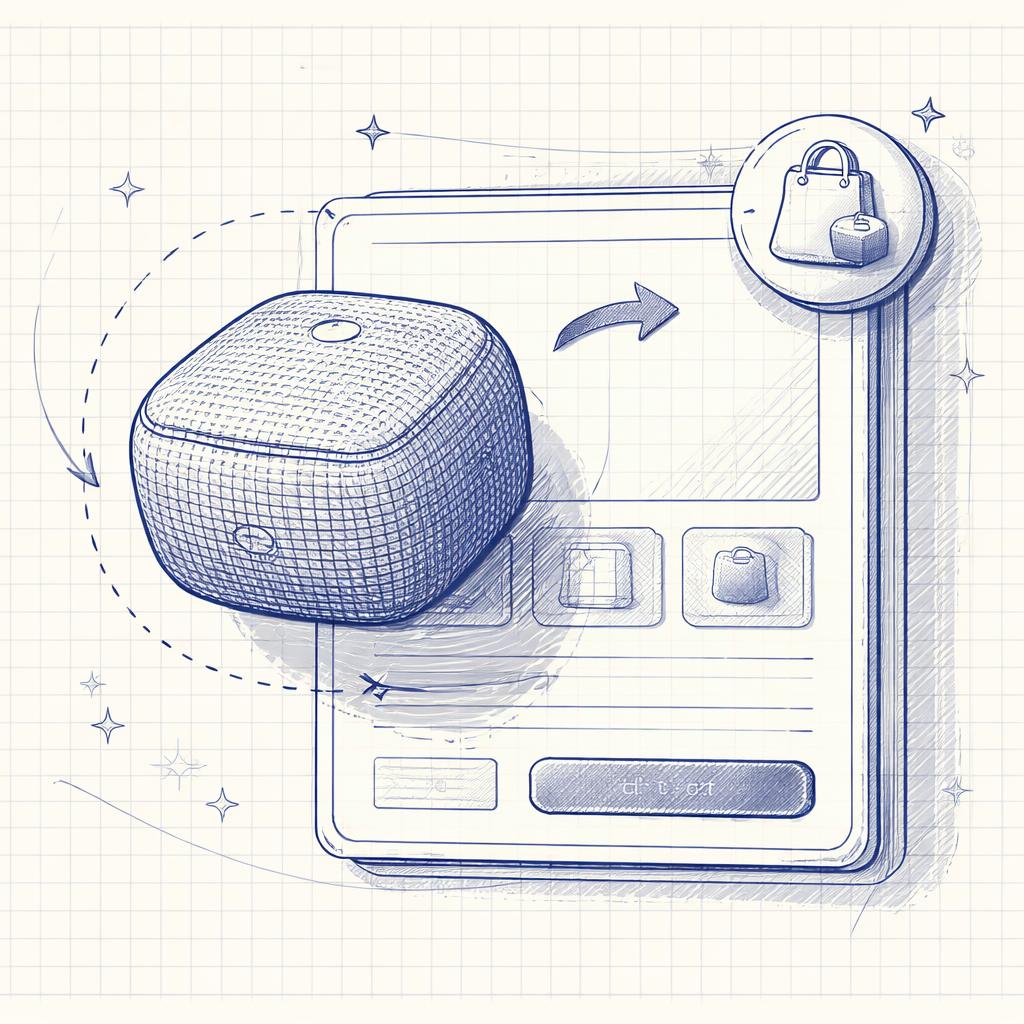
While the theory of photogrammetry can be complex, Supra 3D Capture makes the execution effortless. The app features a guided phone capture system that literally shows you where to move your phone, ensuring you hit those orbit points every time.
Once you've finished your 10-photo orbit, the app handles the heavy lifting with cloud photogrammetry. It crunches your photos into a clean, web-ready GLB model. You can then use the in-browser 3D preview to check your work and, with a single click, publish to Shopify product media. If you want even more control, our theme app block lets you place your 3D model anywhere on your storefront, not just in the main media gallery.
Ready to Level Up Your Product Pages?
Stop settling for flat photos. By mastering the 10-photo orbit and leveraging the power of Supra 3D Capture, you can give your customers the immersive shopping experience they deserve. Download the app today and start your first 3D capture session—it's easier than you think.